
The fans of games for Windows are in luck. And is that the range of equipment that we can find in the market specifically designed to help us enjoy our favorite titles with guarantees is increasingly broad. Thunderobot, seems determined to consolidate in the West with the same strength it already has in China.
And, to achieve this, your bet is to place on the market computers, both desktops and laptops, backed by an attractive price / performance ratio. But this is a very competitive market segment in which manufacturers such as Asus, HP or MSI, among others, have a longer journey and have also chosen to propose computers with good performance and a reasonable price. In any case, that there are more competitors, and, therefore, more options, is great news for us, the users. Let’s see what Thunderobot puts on the table with its interesting a priori GX97.
Thunderobot GX97: Technical specifications
 This laptop for gamers incorporates a screen of no less than 17.3 inches, no doubt, a very interesting size if we are willing to accept what it entails. And, as is logical, a panel of these inches causes the equipment to be bulky, and also somewhat heavy. In fact, this GX97 has measures of 418.5 x 288.7 x 27.4 mm and its weight is about 3 kg. For this reason it is better framed in the concept of “portable” computer than in the traditional laptop.
| THUNDEROBOT GX97 | |
|---|---|
| SCREEN | IPS 17.3 inches 16: 9 Full HD 1,920 x 1,080 points |
| SIZE | 418.5 x 288.7 x 27.4 mm |
| WEIGHT | 2.9 Kg |
| PROCESSOR | Intel Core i7-7700HQ |
| GRAPHICS | NVIDIA GeForce GTX 1050 Ti (4 GB GDDR5) |
| RAM | 8 GB DDR4 (2,400 MHz) |
| STORAGE | 256 GB NVMe M.2 SSD + 1 TB HDD 7,200 rpm |
| OS | Windows 10 Home |
| WIRELESS CONNECTIVITY | WiFi 802.11ac and Bluetooth 4.2 |
| BATTERY | 62 Wh / 5,300 mAh |
| PORTS | 1 x USB-C / 2 x USB A (3.1 Gen1) / 1 x USB A (2.0) / 2 x 1 headphones S / PDIF / 1 x microphone |
| PRICE | $1199 |
Of course, if what we are looking for is a computer equipped with a generous screen that we can easily transport, but that we will not take over frequently, this GX97 makes sense. The unit that we were able to test came to our facilities impeccably packed in a rigid suitcase similar to the Pelican that are used to transport delicate equipment, so I can not object to anything.
We get to work
 As soon as I unpacked it, I did what anybody would do: turn it on. After a wait of a few seconds, and thanks to the SSD drive that incorporates, Windows 10 Home had already loaded, so I could start to calmly review the quality of its 16: 9 screen with Full HD resolution. After modifying the settings with Nokia Test and DisplayMate and starting several games, I formed a fairly accurate idea of what the IPS panel of this equipment offers, which is nothing more than a very wide viewing angle (close to 170 degrees) and a convincing colorimetry, although not outstanding.
Regarding the level of black, the IPS panel of this GX97 performs very well, and in Dark Souls III, which, as you know, is a game with rather dark stages, its level of detail in the shadow areas is quite high, although, again, it is not outstanding either. These observations allow me to draw the first conclusion: the screen of this team has good quality, but does not fall in love. Even so, you can not put a hit that really matters, so I am convinced that it will satisfy the needs of most gamers.
Now we come to a delicate section: the sound. The presence of Creative’s Sound Blaster Cinema 3 software predisposed me to some extent to run into a shocking audio. And yes, it is. But, definitely, the speakers integrated into the equipment are not up to par. They do not sound very bad, but when the sound pressure level increases until reaching an important volume, 60 dB or more measured with a Velleman DVM805 sound level meter, the distortion makes a strong presence, which causes auditory fatigue.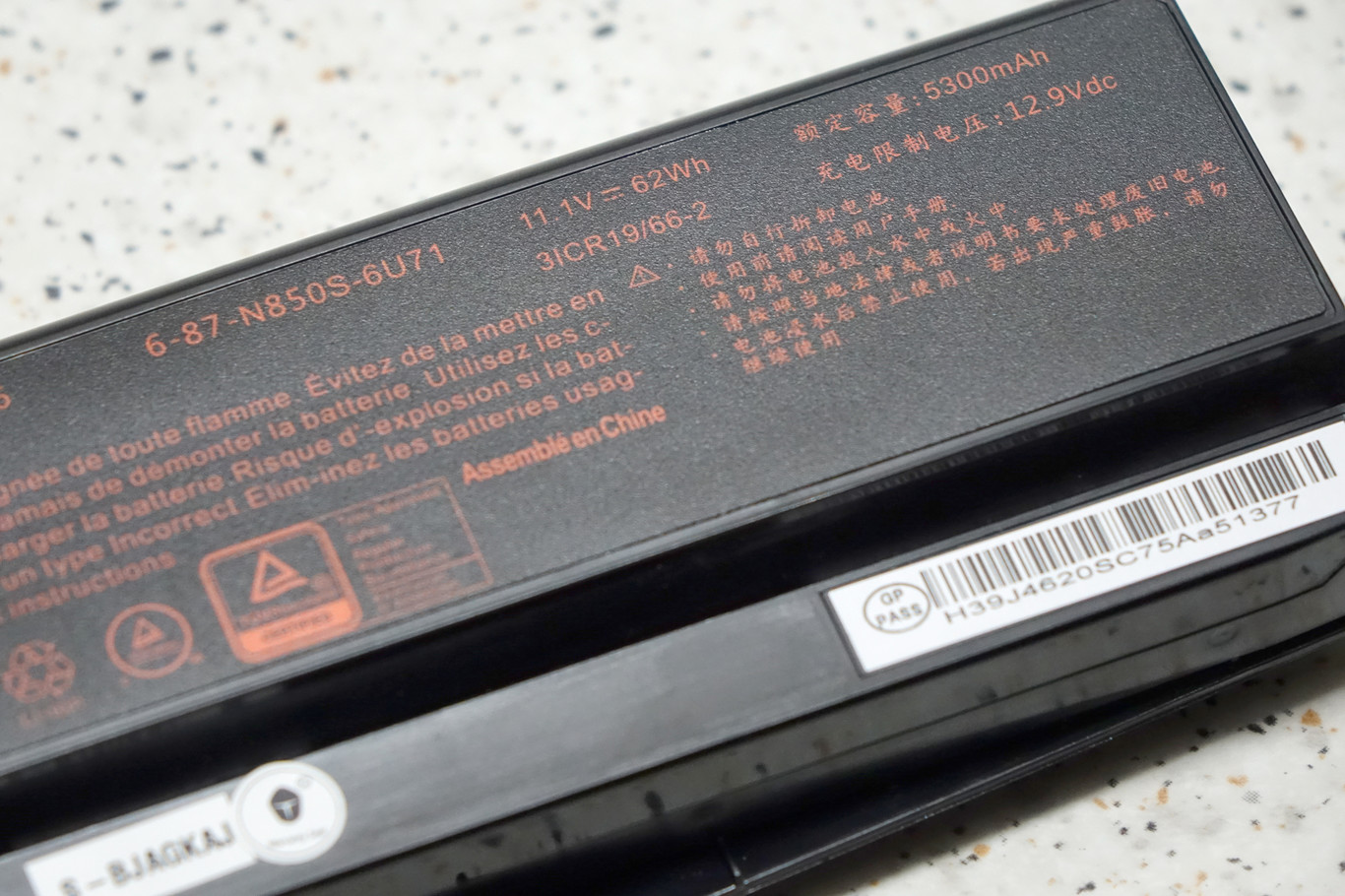
If the volume is not too loud, the sound is resulton. But if we like to play or listen to music with an important level of sound pressure, it is preferable to opt for headphones, or external speakers of higher quality than the GX97 incorporates.
As you can see in the table, the configuration of this team is, above all, balanced. From its Intel Core i7-7700HQ microprocessor we can expect remarkable performance, and its GPU, a GeForce GTX 1050 Ti from NVIDIA accompanied by 4 Gbytes of GDDR5 memory, should be enough to allow us to play at the native resolution of the panel, which is 1,920 x 1,080 points, with a high image quality and a stable frame rate close to 60 FPS.
Design and construction
 The chassis of the GX97 is entirely made of plastic. The Chinese brand has opted for a quality plastic, but we will not find in it any “noble” material, like the aluminum used by other equipment, which, yes, tend to be significantly more expensive than this Thunderobot. An important element that deserves attention is the hinges that connect the screen to the base of the team.
The ones on this computer are reasonably solid, although, given the considerable size of the screen, it would probably have been preferable to opt for two larger hinges, or even for a single one of great length that would provide a more consistent fixation for the screen.
On the other hand, the power button of the equipment has a generous size, something that is always appreciated, and its roughness allows you to locate it and activate it quickly, even though we are not looking at it. Of course, the GX97 is the same as many of the laptops for gamers that we can find on the market today: the frames on the screen are excessive. If they had been a little more stylized, they could have cut some centimeters to the chassis, which, in a team of this size, is interesting. And, in addition, its merely aesthetic design would be a little more attractive.
In the center of the upper frame of the screen resides the necessary camera at this point. It has enough quality, although you already start to miss that accessory that some brands, such as Lenovo, begin to integrate into their laptops: a cover that allows us to hide the webcam when we are not using it, and whose purpose is to protect our privacy if our team was attacked by a malicious hacker.
Continue Reading: ASUS Zephyrus: An ultra-thin gaming notebook with NVIDIA GeForce GTX 1080
Keyboard and touchpad
 As far as the keyboard and the touchpad are concerned, I have nothing to object to. The keyboard is illuminated by multicolored RGB diodes, whose light we can manipulate by software to play with it and adapt it to our tastes. In this field, good for Thunderobot. However, more important than this is the quality of the keyboard, and it has convinced me. And it has done so because the keys have a generous size, and, in addition, hardly suffer from transverse oscillation when pressed, so we can use them for hours without appearing the always annoying fatigue in the wrists that, when it makes an appearance, shrinks our performance.
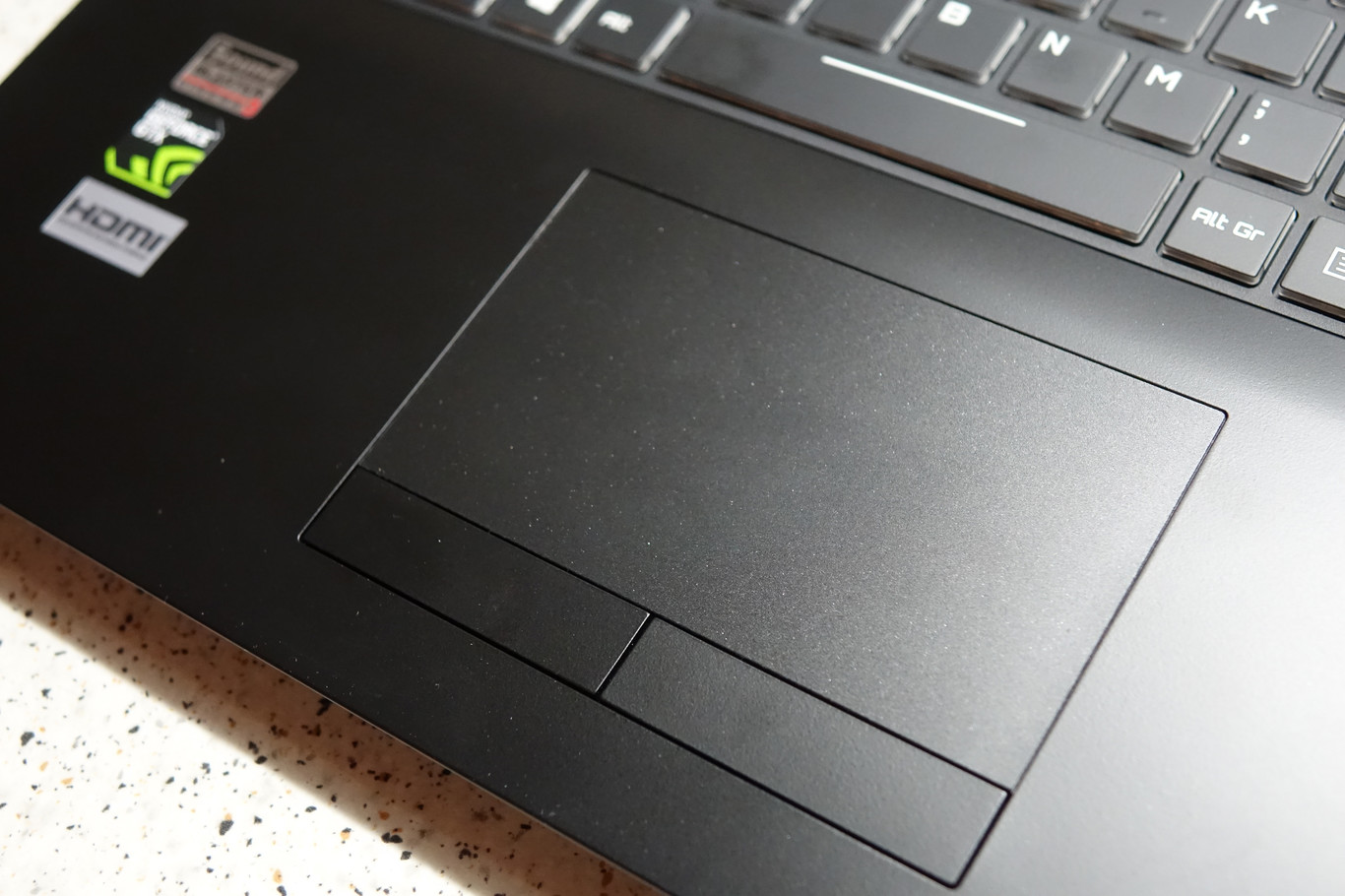 The touchpad, on the other hand, has a generous size (11 x 6.5 cm) and is slightly shifted to the left. The two buttons that it incorporates into the base have a nice touch and the proper travel, so nothing to object here either. Of course, to play comfortably the best is to dispense with this element and get a good mouse. Fortunately, the market places at our disposal today a very wide range of mice with benefits and very different prices.
A solvent cooling system
Just below the battery, and behind a ventilation grille, resides the copper heat sink that is responsible for keeping the equipment elements that dissipate more heat, such as the CPU and the GPU, always working within its threshold optimal temperature. It is interesting to remember that copper has a higher heat conductivity index than aluminum, which is the other material that is usually used in the manufacture of heat sinks, so it is satisfying to see that Thunderobot has taken care of this section.
 In fact, a team for gamers like this must have a cooling system that guarantees that neither the CPU nor the GPU will overheat. In this use scenario, fortunately, and even though I tortured him for hours, the GX97 has responded very well. It never got too hot to touch, and, more importantly, showed no signs of instability due to overheating at any time.
Regarding noise, this equipment is quite silent when we use it in an office environment and content creation, and, of course, much more noisy with games. Even so, it does not bother you if you are listening to the sound with headphones or through the speakers of the computer with an important level of sound pressure. In favorable conditions, such as when running office applications, the noise oscillates around 45 dB, but with the games it can increase to clearly exceed some 55 dB peaks, something that, on the other hand, is normal and usual for most of the equipment for gamers.
Autonomy: Portable body, Desktop soul
 The GX97’s battery has the features you would expect in a laptop equipped with a 17.3-inch screen: 62 Wh and 5,300 mAh. In a scenario of combined use in which we use applications of office automation, content creation and games, its autonomy amounts to 3 hours and 8 minutes, a fairly accurate value because it simulates a real use of the equipment. Of course, if we just play, autonomy can be greatly reduced depending on the stress that our game submits to computer hardware.
An important point: when we are playing it is preferable, whenever possible, to keep it plugged into an electrical outlet. In this way we will make sure to obtain the best performance of both our CPU and our GPU, although this behavior can be modified if we access the configuration parameters of the equipment.
Connectivity: Nothing to reproach
 We arrived at the connectivity section. Regarding the wireless, the GX97 incorporates a controller compatible with the standard WiFi 802.11ac, and also Bluetooth 4.2, so everything is fine in this field. On the other hand, on the left side we have the appropriate RJ-45 network socket, the HDMI output, a USB port of type C, two other USB type A 3.1, a USB type A 3.0 and the slot for memory cards solid of various formats.
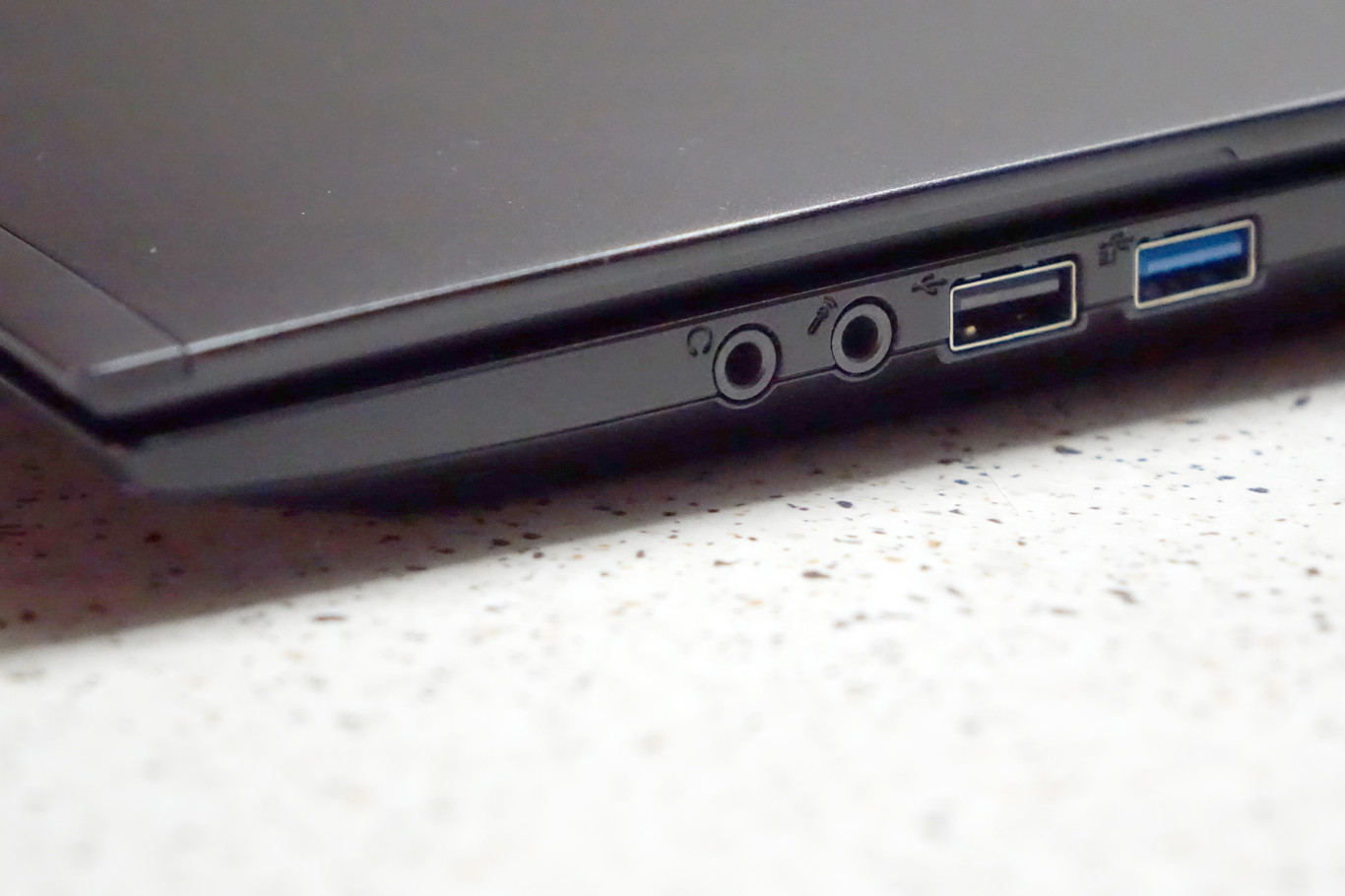
The right side of the equipment is much less loaded with connectors. In it we have only the headphone output, the microphone input and two additional USB ports, one of them type A 3.0.